
Openmediavault (NAS), IGEL 340c
NAS:
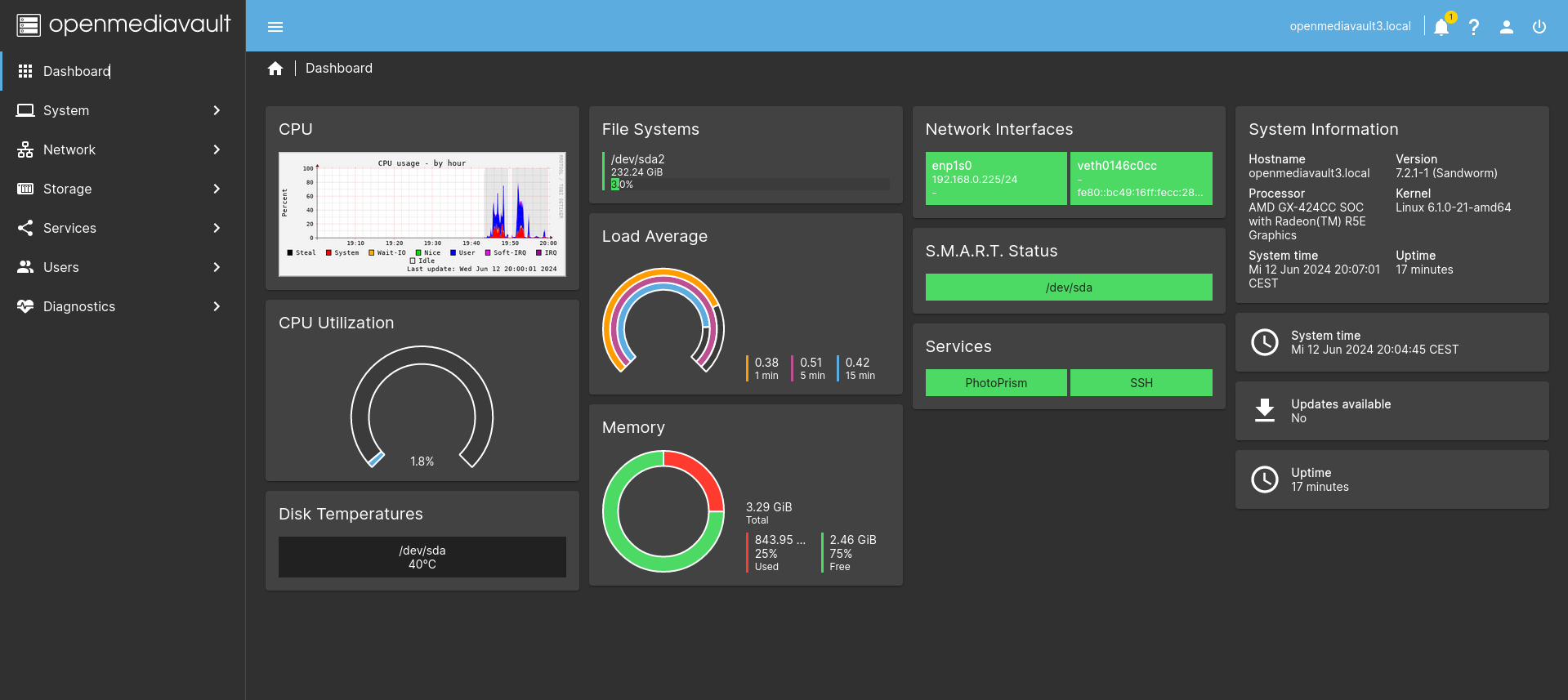
Zahlreiche Plugins zu Multimedia, Containerverwaltung wie Kubernetes oder Podman oder auch zur Verwaltung von Photos.
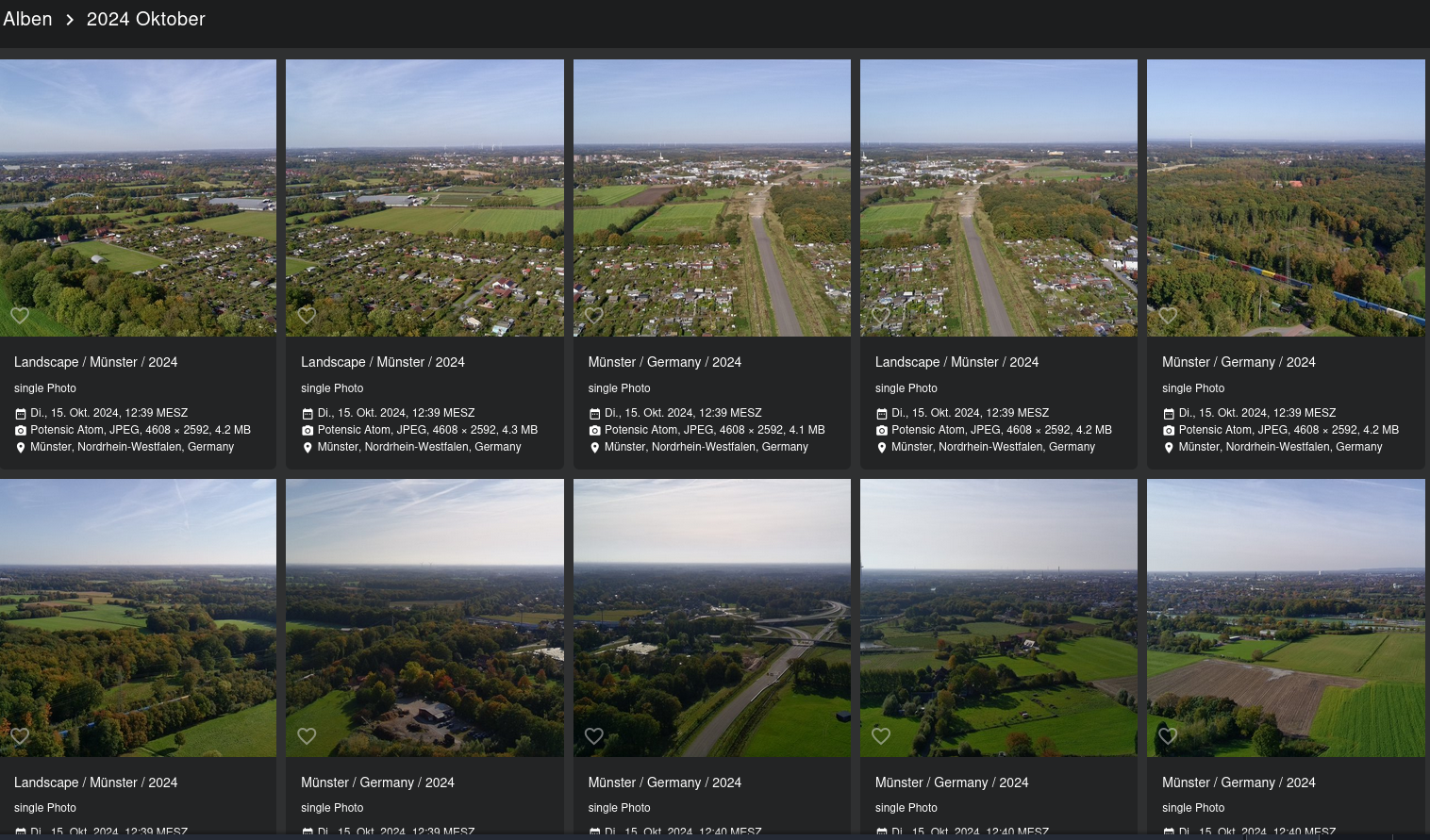
z.B : Photoprism (Bilderverwaltung)
Umrüstung: Adapterkarte SATA auf mSATA , mSATA MO-300

Hinweis: Der Installer bleibt beim Konfigurieren der Netzwerkarte bei dhcp hängen (blauer Bildschirm). Lösung: ALT+F3 , Konsole starten ->ps und dann mit kill -9 die beiden dhcp6-Prozesse killen. mit Alt+F1 zurück zum Installer, der danach durchläuft.
Default user: admin pass: openmediavault
_____________________________________________________________________
Dockercontainer...
OMV-Extra
wget -O - https://github.com/OpenMediaVault-Plugin-Developers/packages/raw/master/install | bash
------------------------------------------------------------------------------------------------
Compose: (files)
services:
bookstack:
image: lscr.io/linuxserver/bookstack
container_name: bookstack
environment:
- PUID=1000
- PGID=1000
- APP_URL=http://hostname:6875
- DB_HOST=bookstack_db
- DB_USER=bookstack
- DB_PASS=admin_bookstack
- DB_DATABASE=bookstackapp
volumes:
- /Docker/bookstack/config:/config
ports:
- 6875:80
restart: unless-stopped
depends_on:
- bookstack_db
bookstack_db:
image: lscr.io/linuxserver/mariadb
container_name: bookstack_db
environment:
- PUID=1000
- PGID=1000
- MYSQL_ROOT_PASSWORD=adminwillipassword
- TZ=Europe/Berlin
- MYSQL_DATABASE=bookstackapp
- MYSQL_USER=bookstack
- MYSQL_PASSWORD=admin_bookstack
volumes:
- /Docker/bookstack/config_db:/config
restart: unless-stopped
evtl. startet der Container nicht (->Protokoll) weil kein Appkey gefunden wird...
docker run -it --rm --entrypoint /bin/bash lscr.io/linuxserver/bookstack:latest appkey
cd bookstack/
nano BOOKSTACK_APP_KEY.txt
Falls der DB-Connect nicht klappt: Dann fehlt eine .env Datei im www-Verzeichnis:
Appkey,DB-Setup und URL eintragen.
root@omv2:~# cat /Docker/bookstack/config/www/.env
# This file, when named as ".env" in the root of your BookStack install
# folder, is used for the core configuration of the application.
# By default this file contains the most common required options but
# a full list of options can be found in the '.env.example.complete' file.
# NOTE: If any of your values contain a space or a hash you will need to
# wrap the entire value in quotes. (eg. MAIL_FROM_NAME="BookStack Mailer")
# Application key
# Used for encryption where needed.
# Run `php artisan key:generate` to generate a valid key.
APP_KEY=base64:...s.o.
# Application URL
# This must be the root URL that you want to host BookStack on.
# All URLs in BookStack will be generated using this value
# to ensure URLs generated are consistent and secure.
# If you change this in the future you may need to run a command
# to update stored URLs in the database. Command example:
# php artisan bookstack:update-url https://old.example.com https://new.example.com
APP_URL=http://hostname:6875
# Database details
DB_HOST='bookstack_db'
DB_PORT='3306'
DB_DATABASE='bookstackapp'
DB_USERNAME='bookstack'
DB_PASSWORD='admin_bookstack'
# Mail system to use
# Can be 'smtp' or 'sendmail'
MAIL_DRIVER=smtp
# Mail sender details
MAIL_FROM_NAME="BookStack"
MAIL_FROM=bookstack@example.com
# SMTP mail options
# These settings can be checked using the "Send a Test Email"
# feature found in the "Settings > Maintenance" area of the system.
# For more detailed documentation on mail options, refer to:
# https://www.bookstackapp.com/docs/admin/email-webhooks/#email-configuration
MAIL_HOST=localhost
MAIL_PORT=587
MAIL_USERNAME=null
MAIL_PASSWORD=null
MAIL_ENCRYPTION=null
----------------------------------------------------------------------------------------------------------------------------------------
Calibre-Web
---
version: "2.1"
services:
calibre-web:
image: lscr.io/linuxserver/calibre-web:latest
container_name: calibre-web
environment:
- PUID=1000
- PGID=1000
- TZ=Etc/UTC
- DOCKER_MODS=linuxserver/mods:universal-calibre #optional
- OAUTHLIB_RELAX_TOKEN_SCOPE=1 #optional
volumes:
- /Docker-Data/calibre-web/config:/config
- /Docker-Data/calibre-web/books:/books
ports:
- 8083:8083
restart: unless-stopped
Im books-Verzeichnis fehlt die intiale Datenbankdatei: metadata.db (https://github.com/OzzieIsaacs/calibre-web-test/blob/master/test/Calibre_db/metadata.db)
metadata.db
----------------------------------------------------------------------------------------------------------------------------------------
Nextcloud:
services:
nextcloud:
image: lscr.io/linuxserver/nextcloud:latest
container_name: nextcloud
environment:
- PUID=1000
- PGID=1000
- TZ=Etc/UTC
volumes:
- /Docker/nextcloud/config:/config
- /Docker/nextcloud/data:/data
ports:
- 8090:80
restart: unless-stopped